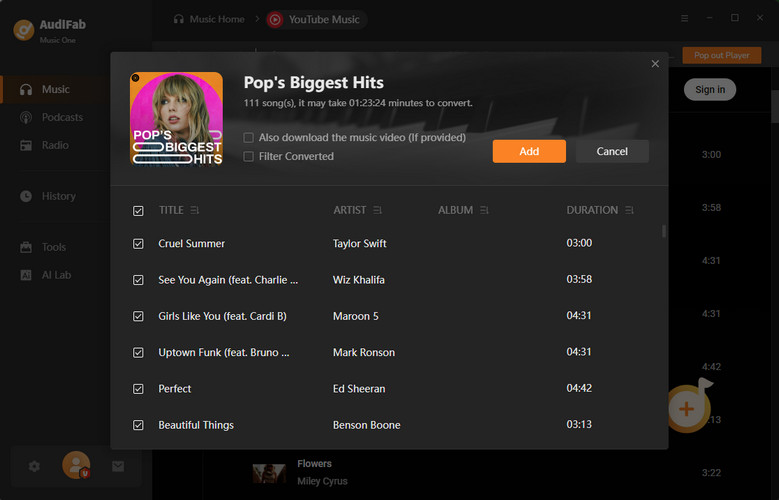
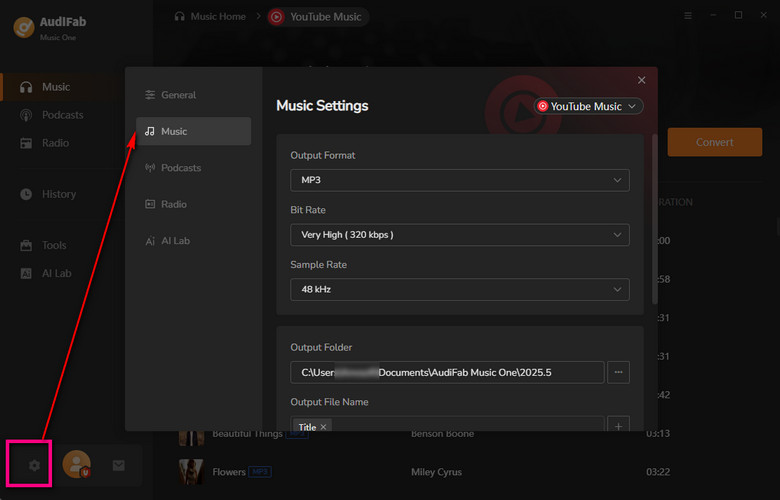
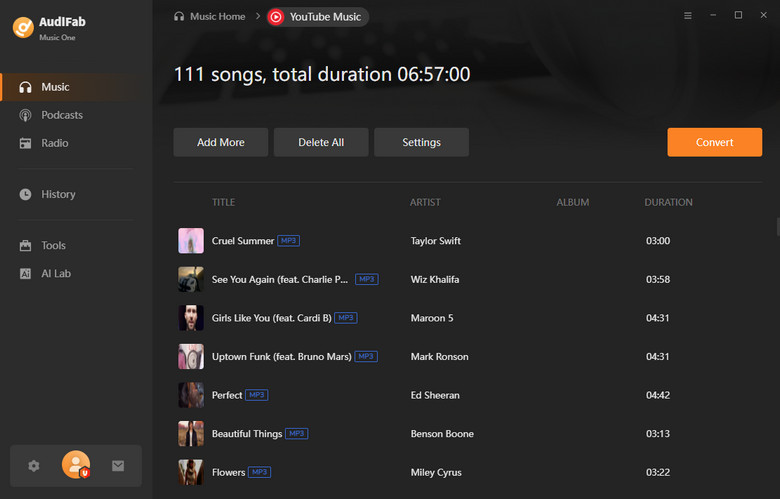
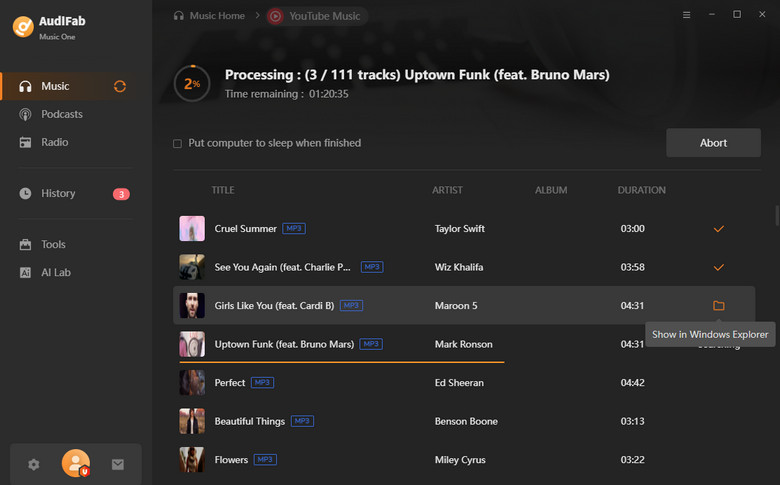
Want to keep your favorite tracks from YouTube Music on your computer? AudiFab lets you download YouTube Music songs and playlists and convert them to MP3/AAC/WAV/FLAC/AIFF/ALAC, keeping the original audio quality, ID3 tags and lyrics files.
*Note: AudiFab is for personal use only.
Download YouTube Music songs & playlists at up to 10x speed.
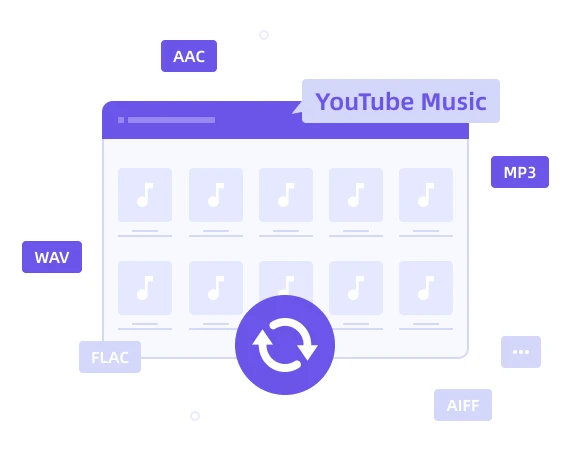
Convert to MP3, AAC, WAV, FLAC, ALAC, AIFF.
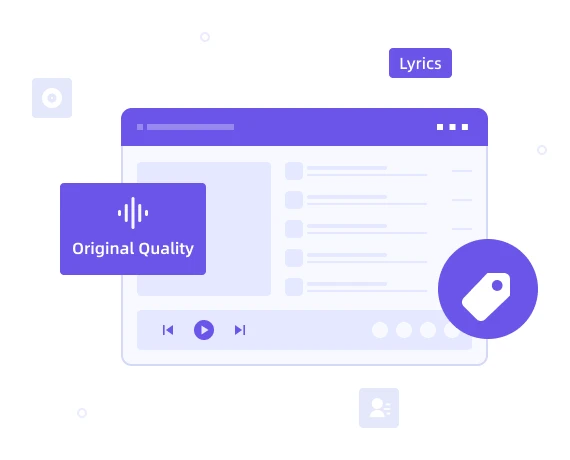
Keep original audio quality, ID3 tags and lyrics files.
Provide free updates and technical support.
YouTube Music lets subscribers cache songs for offline playback inside the app, but those files stay locked in YouTube Music and can't be moved to another device or player. Free users, meanwhile, can't save songs for offline listening at all.
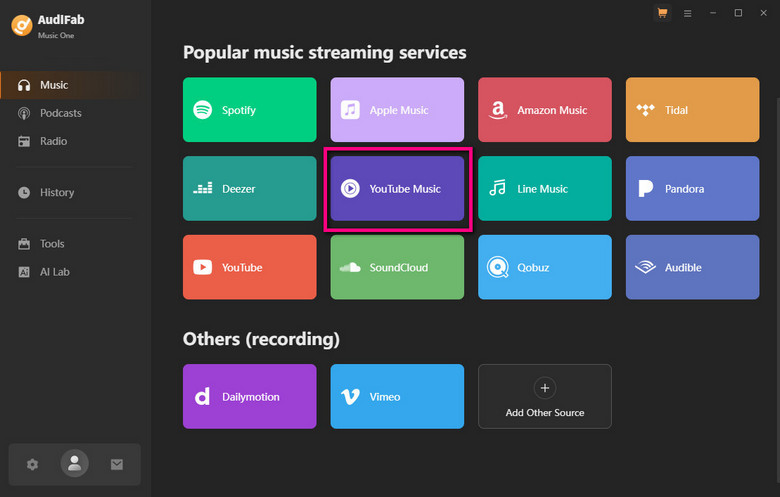
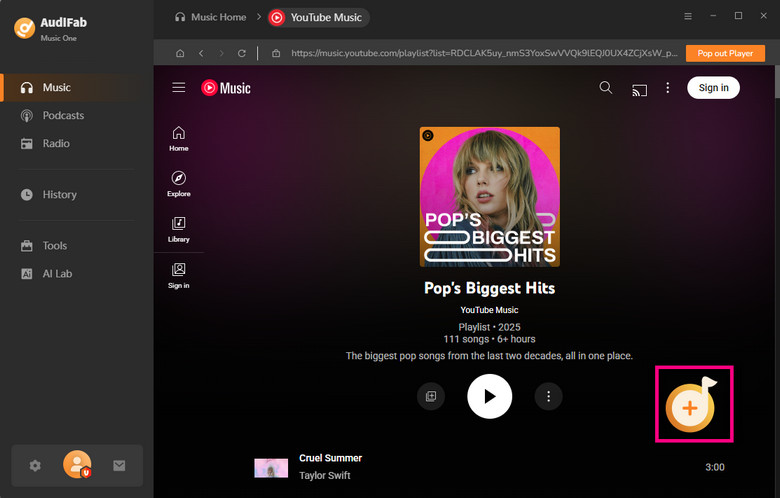
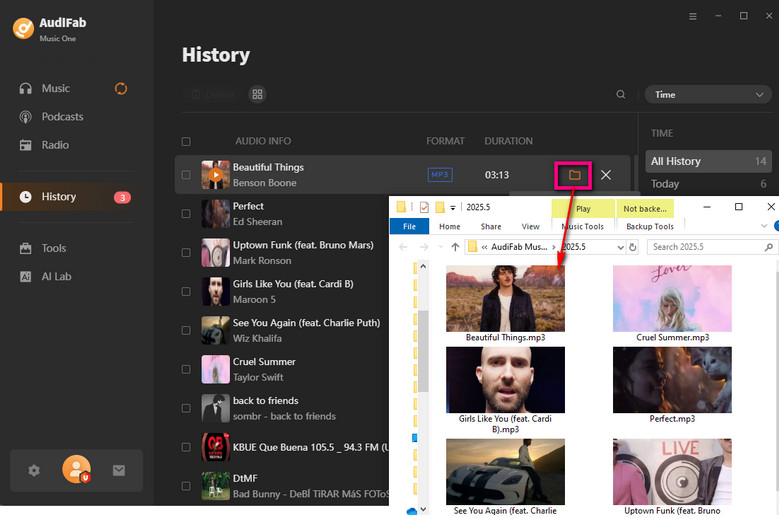
AudiFab YouTube Music Converter removes that restriction, allowing you to batch download YouTube Music directly to your computer. Simply open its built‑in web player, search or browse songs, albums and playlists, then add them for one‑click download. Beyond YouTube Music, AudiFab also works with regular YouTube videos, letting you grab just the audio and save it directly as MP3 for podcasts, live sessions, or any video you'd rather listen to than watch.
Songs on YouTube Music are streamed rather than stored as playable local files, so even a cached track can't simply be copied out and played in another app or transferred to a different device.
AudiFab YouTube Music Converter solves this by downloading and converting YouTube Music tracks into everyday formats — MP3, AAC, WAV, FLAC, AIFF, and ALAC — so you can listen offline anytime and play them on any device or media player you like, with no subscription required to keep listening.
Downloading songs one by one is slow, especially for a large playlist or album. AudiFab is built to process multiple tracks in batch, so you can download YouTube Music songs, playlists, and albums at up to 10x faster speed compared to downloading them one at a time.
Even large playlists with hundreds of songs can be downloaded to your computer in just minutes — no need to sit and wait for one track to finish before starting the next.
AudiFab YouTube Music Converter saves your music with the exact‑same audio quality you stream on YouTube Music. No quality drop, no extra re‑compression — what you hear on YouTube Music is exactly what you get in your converted file.
After conversion, the ID3 tags are preserved automatically, including title, artist, album, artwork, track number, disc number, and year, and lyrics files can also be saved alongside your music.
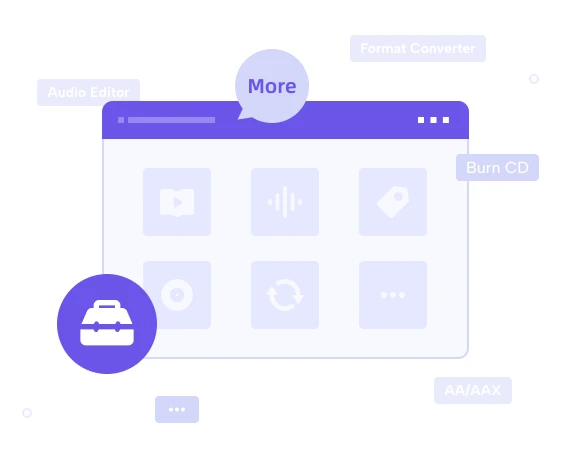
Beyond downloading from YouTube Music, you may also want to convert your existing local audio files to MP3/M4A/FLAC/WAV/OGG/AIFF, burn your favorite tracks to a CD, edit ID3 tags, or convert local AA/AAX audiobooks to M4A/M4B/MP3.
AudiFab YouTube Music Converter bundles all of the tools above right inside its "Tools" section, so everything stays in one place.
Get More Tools
Convert YouTube Music to MP3/AAC/WAV/FLAC/AIFF/ALAC with the original audio quality kept.
Detailed answers to common questions will be listed on our Help Center.
Yes. AudiFab is 100% safe and clean, with no bundled adware, spyware, or malware. It only downloads the tracks you choose to your local drive and does not collect or share your personal YouTube Music account data.
Yes. AudiFab converts tracks at the same audio quality YouTube Music streams them at, so the output file keeps the original sound quality without any extra compression or quality loss during conversion.
Yes. AudiFab supports batch downloading, so you can add a whole playlist or album and let AudiFab process every track in one go, instead of downloading songs one at a time.
Yes. Besides YouTube Music, AudiFab can extract the audio track from a regular YouTube video link and save it as MP3, which is handy for podcasts, interviews, or live performances uploaded as videos.
Yes. Since the converted files are standard MP3, AAC, WAV, FLAC, AIFF, or ALAC files, you can freely transfer and play them on any device or player, such as an iPhone, Android phone, iPad, MP3 player, smart speaker, or car audio system.
Here are some articles that may help you enjoy YouTube Music in a better way.