10+ Spotify Podcast MP3 Downloaders in 2026 - Free & Tested
Safely download Spotify podcasts to MP3 in seconds with 2026’s top-rated podcast downloaders!
Safely download Spotify podcasts to MP3 in seconds with 2026’s top-rated podcast downloaders!
“Can I download podcasts from Spotify?”
“Can you download Spotify podcasts without Premium?”
“Can you download Spotify podcasts for free?”
Spotify hosts nearly every podcast imaginable—news, comedy, true crime, and education—but those files are encrypted and locked within the app. Even with Premium, you cannot export Spotify to MP3 directly.
In this 2026 guide, we’ve hand-tested the best Spotify podcast downloaders for stability, audio quality, and ID3 tag retention. Using these free Spotify podcast downloaders, you can convert episodes to MP3 for your Apple Watch, MP3 player, car stereo, USB drive, or Alexa—keeping your favorite shows forever, even after your subscription ends.
⚖️ Disclaimer This guide is for educational and personal use only. Please respect the copyright of content creators and Spotify’s Terms of Service.
We've tested and summarized the best 11 Spotify podcast downloaders. Check the table below to find your best way to download Spotify podcasts to MP3.
| Attribute / Tool | AudiFab Spotify Podcast Downloader 🏆 | AudiFab Free Podcast Downloader | Podcast MP3 Downloader | PodcastToMP3 | Podcast Download | Listen Notes | Video DownloadHelper | SpotiFlyer | Spotify bot | PodGrab | Audacity |
|---|---|---|---|---|---|---|---|---|---|---|---|
| Type | Desktop App | Desktop App | Online | Online | Online | Online | Browser Extension | Android / Desktop App | Telegram Bot | Self-Hosted | Desktop App |
| Recommend | ⭐⭐⭐⭐⭐ | ⭐⭐⭐⭐⭐ | ⭐⭐⭐ | ⭐⭐⭐ | ⭐ | ⭐⭐⭐ | ⭐⭐ | ⭐⭐⭐⭐ | ⭐⭐⭐ | ⭐⭐⭐ | ⭐⭐⭐ |
| Ease of Use | 5/5 | 5/5 | 5/5 | 4/5 | 4/5 | 3/5 | 3.5/5 | 4.8/5 | 4.5/5 | 2/5 | 4/5 |
| Stability | 4.9/5 | 4.9/5 | 4.2/5 | 3/5 | 1/5 | 4/5 | 3/5 | 4/5 | 3.5/5 | 4.2/5 | 5/5 |
| Batch Download | ✅ | ✅ | ❌ | ✅ | ✅ | ❌ | ❌ | ✅ | ❌ | ✅ | ❌ |
| Output Format | MP3, MP4, AAC, WAV, FLAC, ALAC, AIFF | MP3, MP4, AAC, WAV, FLAC, ALAC, AIFF | MP3 | MP3 | MP3 | MP3 | MP3, MP4 | MP3 | MP3 | MP3 | MP3, WAV, AIFF, FLAC, OGG |
Overview: After extensive testing, AudiFab Spotify Music Converter stands out as the most reliable Spotify podcast downloader for Windows and Mac in 2026. Unlike online tools that often fail with long podcasts, AudiFab lets you batch download full podcasts series, episodes, clips, or even video quickly and reliably.
What truly makes AudiFab the “Overall Best” is its ability to convert Spotify podcasts to MP3 with high audio quality, complete ID3 tags, and a 99.9% success rate—even for Spotify Free users.
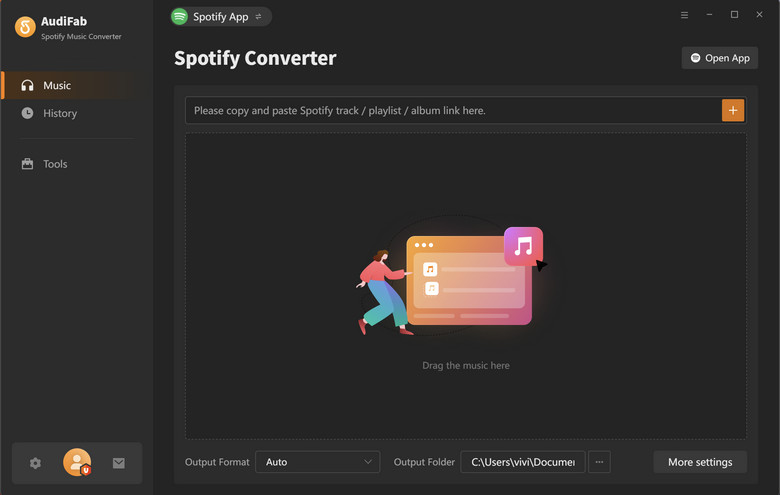
Download AudiFab Spotify Music Converter for Windows or Mac. Open it and choose Spotify Webplayer mode.
Go to Spotify Webplayer, open the podcast episode, series, or playlist you want to download. Click “+”, then click “Add”.
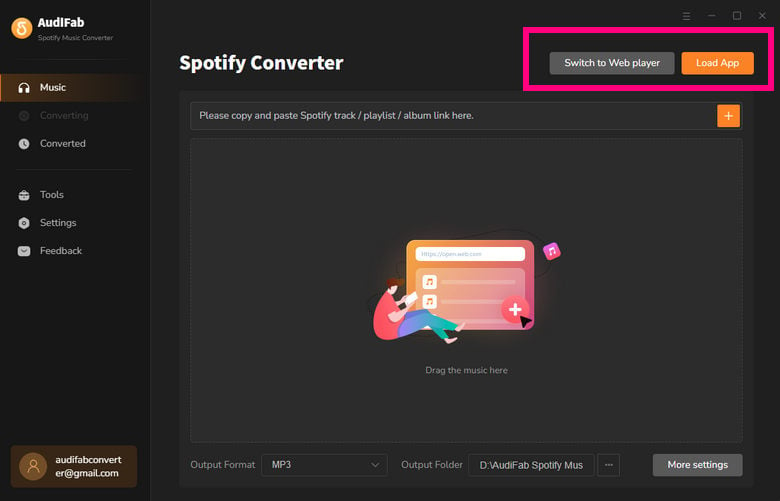
Tips: Tick "Convert Video Podcasts to Audio" in the Add interface, only audio will be output.
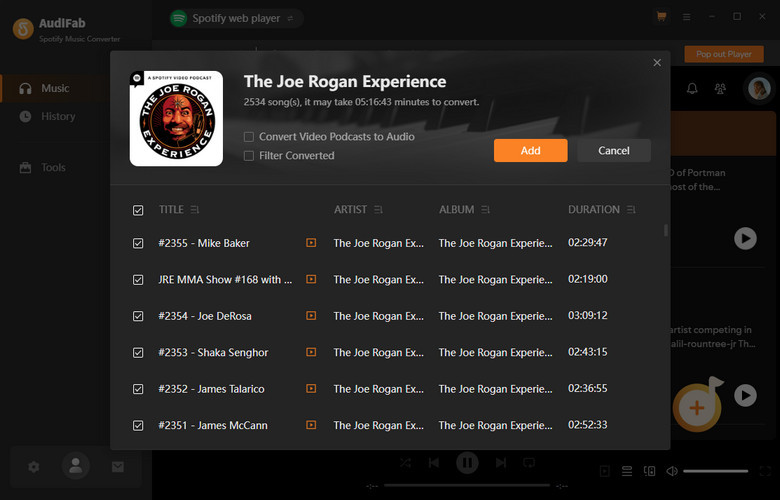
Click "Settings" and select MP3 as output format.
Optional: Customize how your files are named (e.g., Episode Title - Date).
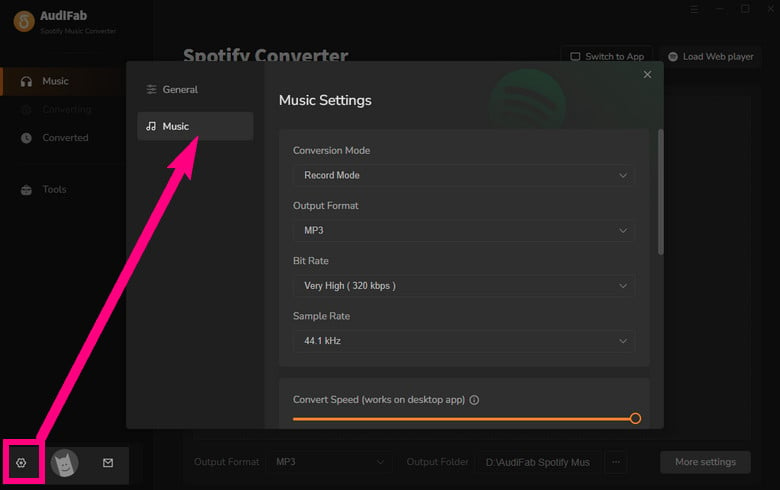
Click Convert to download Spotify Podcast to MP3 in order and preserve ID3 tags, episode titles, and cover art.
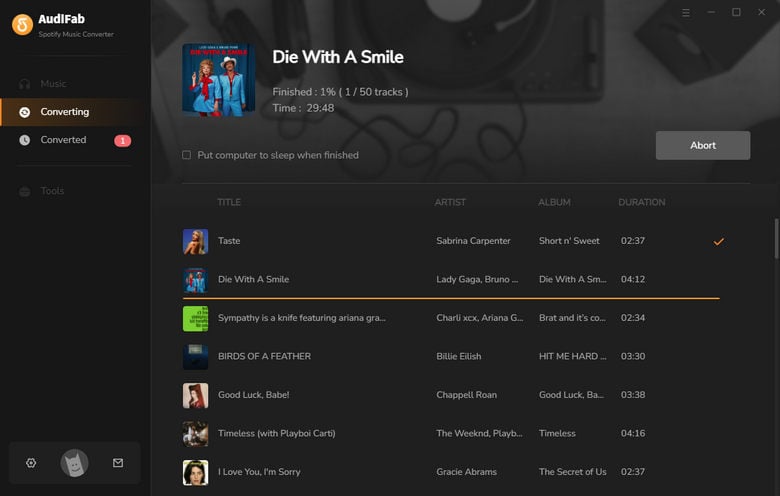
Go to History, click the folder icon to open the output folder.
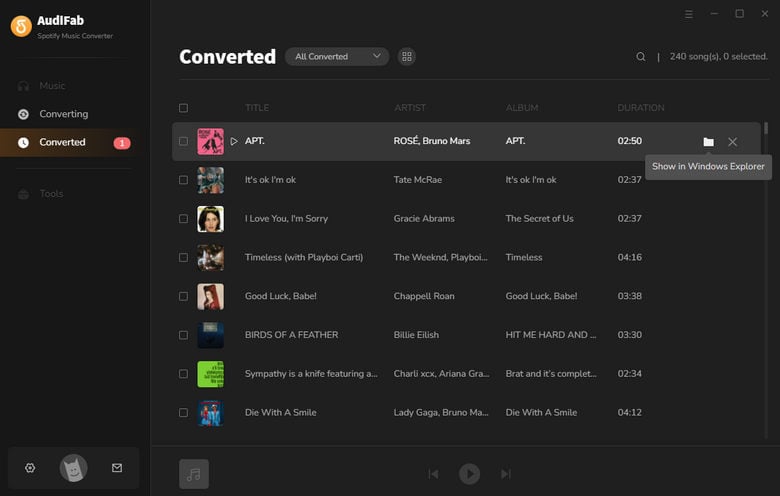
AudiFab Free Podcast Downloader, part of AudiFab Music One, lets you download full podcasts episodes or entire shows in 320kbps MP3, while keeping all metadata intact. Beyond Spotify, it also supports audiobooks and audio from 16+ platforms including Audible, Apple Music, YouTube, and SoundCloud, etc.
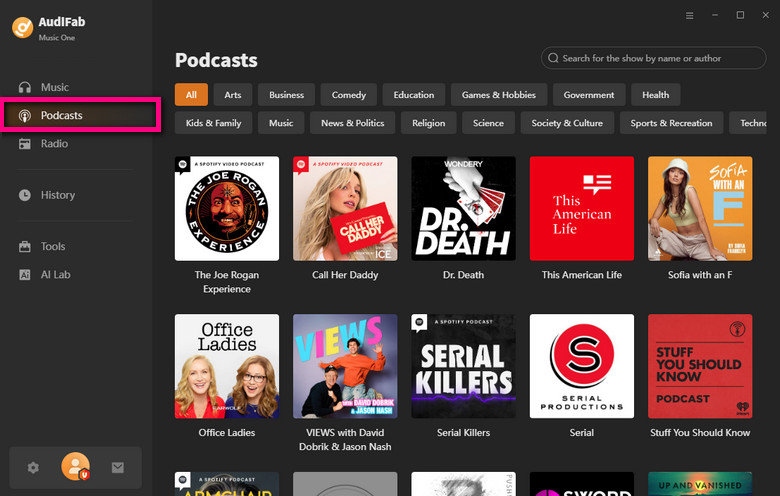
Step 1: Go to the Podcast section and find the podcast you want to download.
Step 2: Choose Download All or select the specific episodes you want.
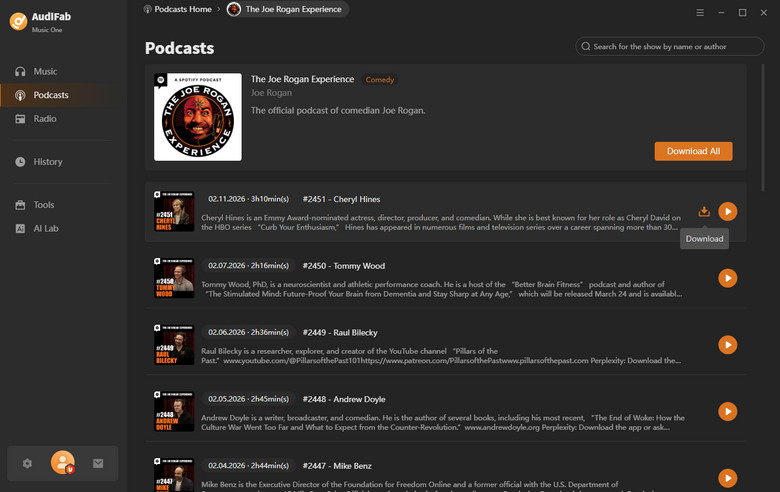
Step 3: Click Download.
Step 4: In less than one minute, even a 2-hour podcast will be downloaded as an MP3 file.
👉 See also: How to Listen to Joe Rogan Radio/Podcast without Spotify
Podcast MP3 Downloader is a free online podcast downloader that lets you quickly download MP3 podcasts from Spotify, Apple Podcasts, Pocket Casts, and Overcast on any device. In 2026, it remains one of the cleanest online converters, with no intrusive ads and no account required.
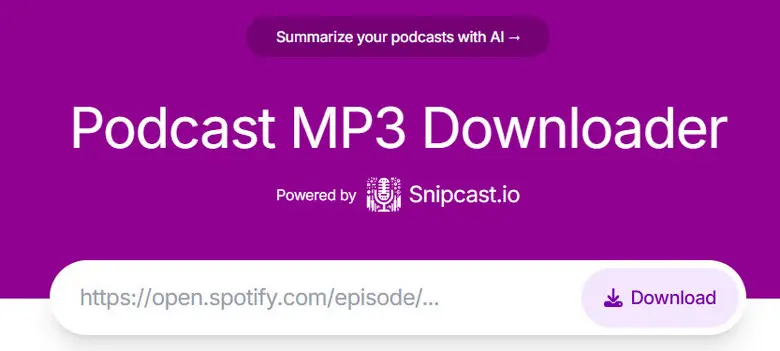
Step 1: Open Spotify and find the single podcast episode you want. Click the “...” icon > Share > Copy Link.
Step 2: Go to podcastmp3.com. Paste the copied link into the search box and click Download.
Step 3: Click the “Download now” button.
Step 4: In the pop-up player bar, click the three vertical dots (⋮) and select Download to save the MP3 file.
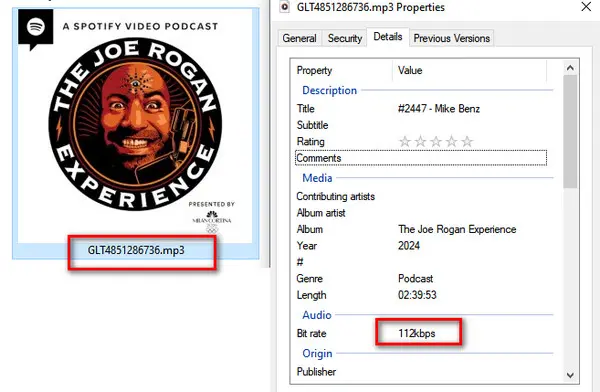
PodcastToMP3 is an online Spotify podcast downloader that still works reliably in 2026. Unlike most web tools, it features a built-in podcast search engine, allowing you to find and download episodes directly without copying Spotify links. It’s especially useful for batch downloading multiple episodes in one go.
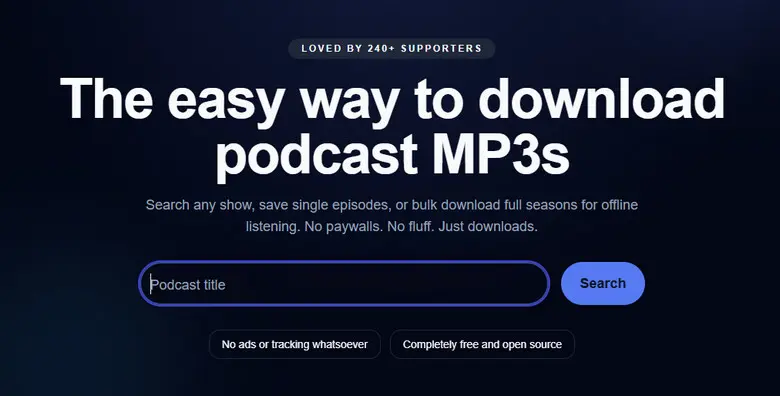
Step 1: Visit PodcastToMP3.com in your web browser.
Step 2: Type the podcast name into the search bar.
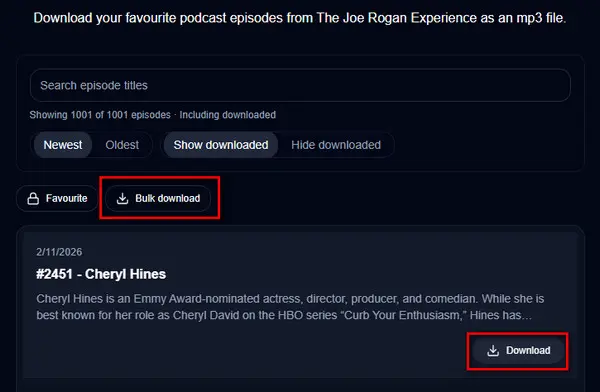
Step 3: Browse the results and click Download next to the episode you want.
Step 4: (Optional) Click Bulk Download to download up to 100 episodes at once.
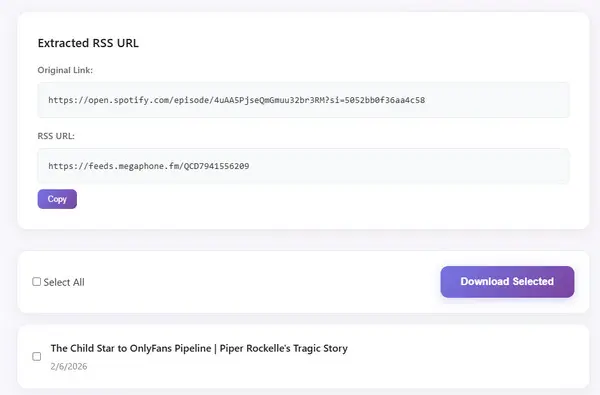
Podcast Download is a free online podcast downloader that supports Spotify, Apple Podcasts, RSS feeds, and several regional podcast platforms. Instead of using browser recording or stream capture, it parses podcast page links and RSS feeds to extract audio files directly.
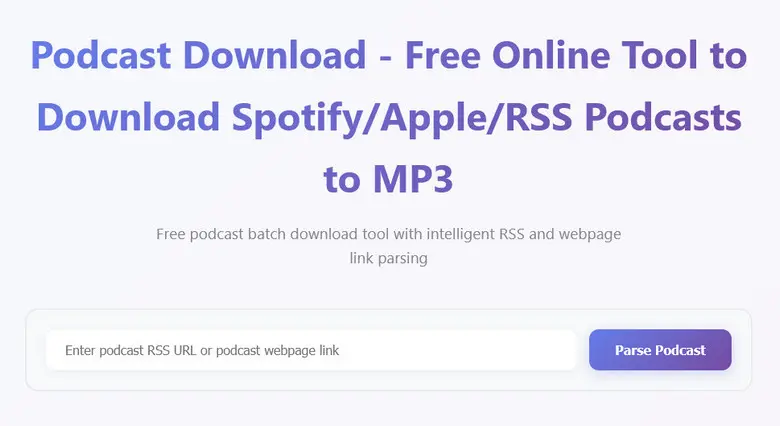
Step 1: Copy the podcast page link (Spotify / Apple Podcasts) or the RSS feed URL.
Step 2: Go to Podcast Download and paste the link into the input box.
Step 3: Click Parse Podcast to load the episode list.
Step 4: Select individual episodes or click Select All.
Step 5: Click Download Selected to save the MP3 files.
Discover a 40x faster Spotify playlist converter for you.
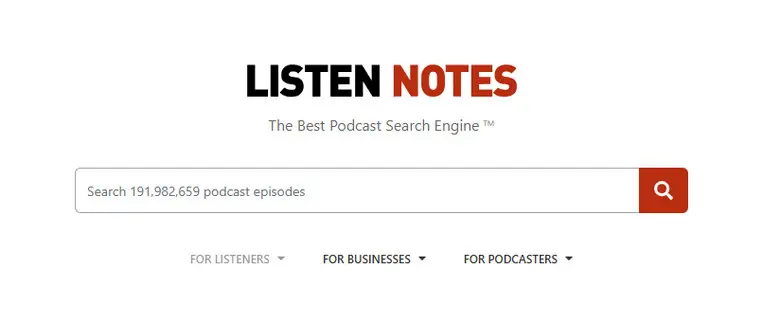
Learn More →Listen Notes is not a traditional Spotify podcast downloader. Instead, it is the world’s largest podcast search engine, indexing millions of podcasts via public RSS feeds. For users who want a legal and transparent way to download Spotify podcasts as MP3, Listen Notes offers a reliable workaround by exposing the original RSS feed used by Spotify and other platforms.
Step 1: Find the podcast you want on Spotify and note its name.
Step 2: Go to ListenNotes.com and search for the podcast by name.
Step 3: Scroll down to find the episode you want to download, then click … > Download Audio.
Step 4: In the pop-up player bar, click the three vertical dots (⋮) and select Download to save the MP3 file.
✨ Similar find & search Spotify podcast downloaders: Rephonic, Podlink, Podverse, PodcastIndex, Podbean
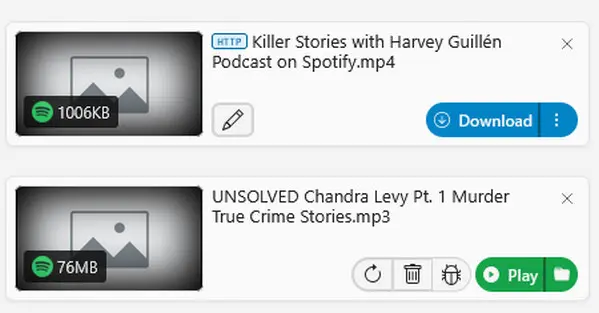
Video DownloadHelper is a long-established browser extension designed to download streaming media directly from web pages. It’s commonly used to capture videos without watermarks, and it can also be applied to Spotify video podcast episodes via the web player.
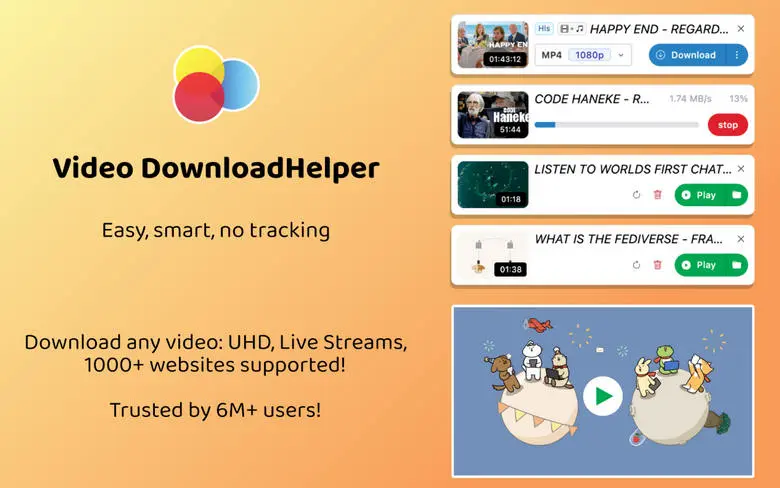
Step 1: Install Video DownloadHelper from the Firefox Add-ons store (recommended).
Step 2: Open the Spotify Web Player and start playing the podcast episode.
Step 3: Click the Video DownloadHelper icon in the browser toolbar. When media is detected, the icon will turn colorful.
Step 4: Choose the detected MP3 or MP4 option and click Download.
See also 👉: How to Transfer Spotify Music to an MP3 Player
SpotiFlyer is an open-source Spotify podcast downloader that lets you save episodes, playlists, and shows for offline listening. It also supports YouTube Music, SoundCloud, Gaana, and JioSaavn without requiring a Premium subscription. Instead of recording directly from Spotify, SpotiFlyer uses the Spotify API to locate the best-quality match on other platforms.
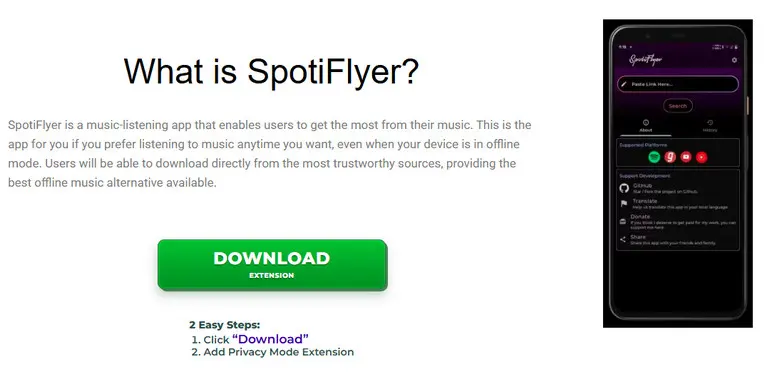
Step 1: Download SpotiFlyer from the official website or GitHub.
Step 2: Install on Windows/Mac/Linux or enable “Unknown Sources” on Android to install the APK.
Step 3: Open the app and search for podcasts, songs, albums, or playlists from supported platforms.
Step 4: Choose audio quality and download location, then click Download.
Step 5 (Android only): Copy the track or playlist URL, paste it into SpotiFlyer, tap Search, and download.
@Spotify_downloa2_bot is a popular Telegram-based Spotify downloader bot that allows you to download Spotify podcasts by simply sending a link in chat. Acting as a middleman, the bot retrieves audio files from sources such as YouTube or Deezer and delivers MP3 files directly within Telegram — no browser, no software installation, and no traditional interface required.
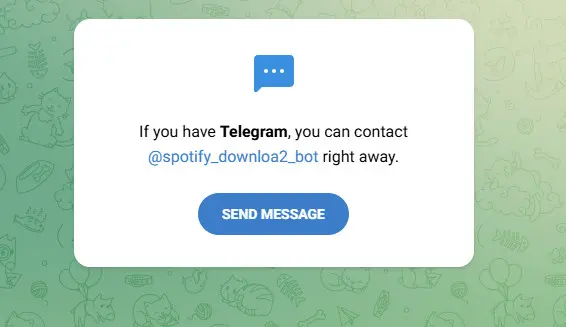
✨ Bots may stop working at any time. Check @spotify_downloaderrr for updates, or use AudiFab
Step 1: Install Telegram and join the required group: @spotify_downloaderrr.
Step 2: Open the bot @Spotify_downloa2_bot in Telegram.
Step 3: Copy a Spotify podcast episode link and send it to the bot.
Step 4: Wait 1–3 minutes for processing. Free users may experience pauses between downloads.
Step 5: Receive the MP3 file directly in chat and save it to your device.
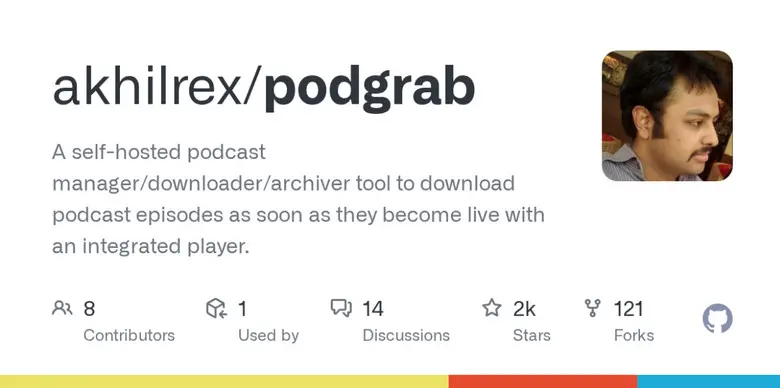
PodGrab is a free, open-source podcast manager and downloader designed for automation. Unlike on-demand podcast downloaders, PodGrab runs in the background—typically on a home server or NAS— and automatically fetches new podcast episodes the moment they go live. It supports single-episode downloads as well as full podcast archives via RSS feeds.
Step 1 (Deployment): Run PodGrab using Docker (recommended):
docker run -d -p 8080:8080 --name=podgrab -v "/your/path/podcasts:/assets" akhilrex/podgrabStep 2 (Access): Open your browser and go to http://localhost:8080.
Step 3 (Add Podcast): Use the Add Podcast tab. You can search via the built-in iTunes API or paste a direct RSS feed URL.
Step 4 (Archive or Auto Mode): Click Download All to grab the entire history, or leave PodGrab running to automatically fetch future episodes.
Audacity is a world-renowned, open-source audio editor. While it is primarily used for podcast production, its ability to capture “What You Hear” (loopback recording) makes it a foolproof way to save any Spotify podcast. Since Audacity records the actual system output, it is completely indifferent to Spotify’s encryption or download restrictions. If you can play it, Audacity can save it.
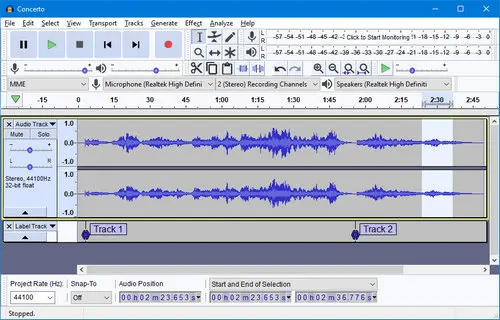
Step 1: Open Audacity and set the Audio Host to Windows WASAPI (Windows) or use a virtual audio cable such as BlackHole on macOS.
Step 2: Set the Recording Device to your system output (e.g., Speakers (loopback)).
Step 3: Click the red Record button in Audacity, then immediately start playing the podcast in the Spotify app.
Step 4: When the episode finishes, click Stop. Go to File > Export > Export as MP3 to save your recording.
⚠️ We also tested other Spotify podcast downloaders mentioned in Reddit and reviews, such as Pastedownload, Spotify Deezer Music Downloader, and Fame.so—but none of them work anymore. Plus, we found SpotScribe, which provides transcripts only and does not support audio downloads.
Is it legal to download Spotify podcasts to MP3?
Only for personal use. The safest and most “legal” approach is to access a podcast’s public RSS feed directly through platforms like Listen Notes, as long as the podcast is not Spotify‑exclusive.
Is it safe to use Spotify podcast downloaders?
Tools like Audacity or AudiFab are generally considered safe. However, some online or unknown tools may contain malware, adware, or request excessive permissions, so caution is advised.
Can I download Spotify podcasts to MP3 without Premium?
Yes. Third‑party tools reviewed in this post—such as SpotiFlyer, AudiFab, Telegram bots, and some online Spotify podcast downloaders—allow you to download Spotify podcast episodes using a Free account.
Try AudiFab free here:
Can I batch download multiple Spotify podcast episodes?
Yes, some tools support batch downloads, including AudiFab, Podcast Download, SpotiFlyer, and PodGrab.
Ready to get started? Learn how to listen to Spotify podcasts offline on Apple Watch and enjoy them during your workouts.
How do I find a Spotify podcast RSS feed?
You can use platforms like Listen Notes to search for a podcast, locate its RSS feed, and download episodes directly from the feed.
Why can’t I find Spotify‑exclusive podcasts on some downloaders?
Many tools rely on matching content from YouTube or other public platforms. Since Spotify‑exclusive shows (such as The Joe Rogan Experience or Call Her Daddy) are hosted only on Spotify, they usually require specialized tools like AudiFab.
After testing the top 11 Spotify Podcast Downloaders, it’s clear: while online converters are fine for a quick single episode, they lack the stability for true podcast fans. If you want to build a reliable offline library without the frustration of failed links, constant captchas, or low-quality audio, there is only one clear winner.
Whether you’re preparing for a long flight or archiving an exclusive Spotify video show, AudiFab delivers the fastest, safest, and highest-quality results on the market.
Download AudiFab Free Trial Now
Compatible with Windows & macOS · 100% Safe & Clean
AudiFab Spotify Music Converter is free to try. It can be downloaded and converts the 1 minute of each audio file for sample testing. If the program meets your need, you can buy a license to unlock the time limit.

Convert Spotify songs, playlists & podcasts to MP3/AAC/FLAC/WAV at up to 40X speed. Keep original quality & ID3 tags.
Music is the greatest communication in the world and here are some articles that may help you enjoy music in a better way.

 Try It Free
 Try It Free